
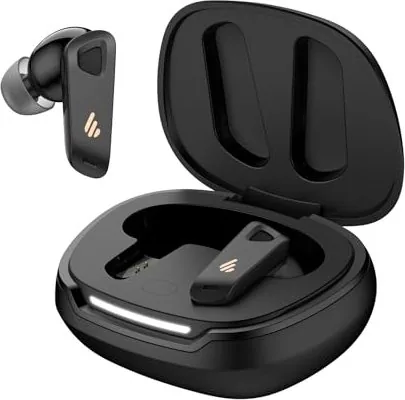
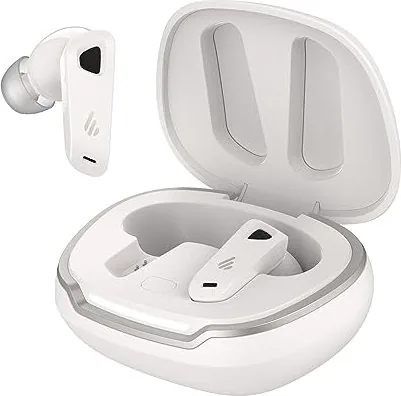
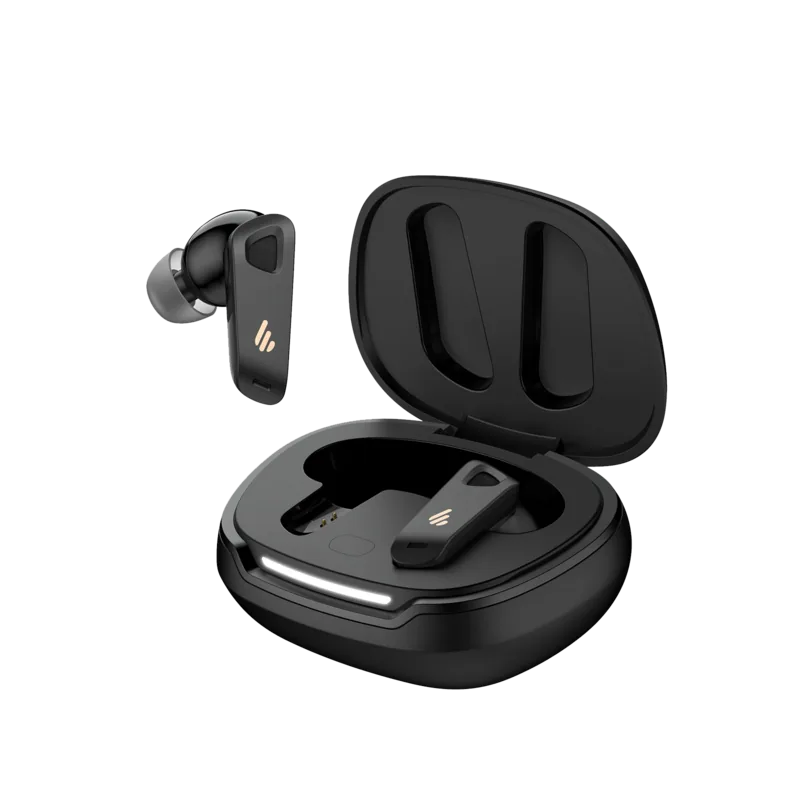
Edifier NeoBuds Pro 2 Toriatsukai-Setsumeisho
PDFマニュアル · 7 ページ
日本語



クイックチェック
正解ではありません。もう一度お試しください。
AIを使用して Edifier NeoBuds Pro 2 のマニュアルとチャットする
Edifier NeoBuds Pro 2 のマニュアルからAIによる即時回答を取得
Edifier NeoBuds Pro 2に関する質問なら何でもどうぞ。回答はこのマニュアルから提供され、根拠となるページも表示されます。
質問を<\/span>する<\/span><\/span>
NeoBuds Pro 2 をおすすめしますか?
はい いいえよくある 質問
ケースボタンを 3 回押してリセットします。LED は側面から中央に向かって光り、その後 2 回点滅します。Bluetooth 設定で Edifier NeoBuds Pro 2 を選択して再度接続してください。
この回答は役に立ちましたか?
この機能は Edifier Connect App で無効にまたは構成できます。自動一時停止機能のために有効であることを確認する装着検出設定を確認してください。
この回答は役に立ちましたか?
蓋を開けたままケースにイヤホンを入れます。LED が循環するまでケースボタンを約 3 秒間押して押しっぱなしにします。デバイス設定で Edifier NeoBuds Pro 2 を選択して接続してください。
この回答は役に立ちましたか?
イヤホンは 5V 200mA 入力を必要とします。充電ケースは 5V 1A 入力が必要です。安全に損傷なしに充電するために付属ケーブルを使用してください。
この回答は役に立ちましたか?
はい、デフォルトのサウンドモードには、カスタマイズされた体験のための空間オーディオが含まれています。タッチコントロールまたはアプリを使用して、音楽、ゲーム、空間オーディオモードを切り替えることができます。
この回答は役に立ちましたか?
起動後 Bluetooth 接続が 2 時間全くない場合、バッテリー電力を節約するためにイヤホンは自動的にオフになります。
この回答は役に立ちましたか?
はい、イヤホンを充電ケースに入れ、蓋を閉じたままにします。ケースは正しく中に置かれる時にイヤホンを充電します。
この回答は役に立ちましたか?
利点 および 欠点
利点

- 有效果なノイズキャンセリングが環境の混乱をよく遮断します。
- Edifier Connect App は制御設定の深いカスタマイズを許可します。
- イヤホンの取り外しで自動一時停止音楽がすぐに動作します。
- 付属の Type-C ケーブルによる高速充電サポート。
- 低遅延ゲームモードはプレイのために同期を改善します。
短所

- ケースボタンリセットには正確な 3 押しシーケンスが必要です。
- 損傷を避けるために使用時に充電ポートは乾燥したまま保持する必要があります。
- デフォルト設定は特定のユーザーのためにアプリの微調整が必要かもしれません。
- マニュアル中に明示的な防水耐性ランクは言及されていません。
- 無活動は正確に 2 時間後に電源をオフにします。
製品 仕様
タイプ
イヤホン (インイヤー)
形状
トゥルーワイヤレス,イヤフックなし
設計
閉鎖型
マイク
内蔵
ワイヤレス
Bluetooth 5.3, AAC, LHDC 5.0, LDAC, Google Fast Pair
コントロール
タッチ操作
バッテリー駆動時間
4 時間 (ANC あり), 5.5 時間 (ANC なし), 16 時間 (充電ケース使用時)
バッテリー
USB-C 充電ポート,充電ケース,1 時間充電時間,急速充電機能 (15 分で 2 時間駆動)
周波数特性
20 Hz-40 kHz
感度
92 dB
ドライバー
1x 9.91 mm (ダイナミック), 1x バランスドアーマチュア
重量
4.54 g (イヤーバッド 1 個あたり), 49.90 g (充電ケース)
製品 説明
Discover Premium Sound Quality
Experience the Edifier NeoBuds Pro 2 Manual integration with these advanced wireless headphones designed for modern users. This device offers exceptional high noise cancellation for truly immersive listening sessions in noisy environments. You can switch between ambient sound easily when walking outside or needing awareness of your surroundings. The sound modes include music, game, and spatial audio for tailored experiences matching your mood. Default settings prioritize clarity right out of unboxing for immediate enjoyment without configuration. Charging is fast with the included Type-C cable ensuring minimal downtime between usage sessions. LED indicators confirm charge levels accurately so you never guess battery status while traveling. Removing an earbud pauses music automatically for conversation or quick breaks during your day. Reinserting resumes playback instantly without lag or any manual pressing required again. The touch panel controls allow customizable commands for your specific daily habits and preferences. Left and right panels handle taps and holds for playing, pausing, or skipping tracks effortlessly. You can reset connection by pressing the case button three times securely if connection issues arise. Pairing involves opening the case and selecting the device name on your smartphone screen. Quick Pair works on Android 6.0 or higher efficiently for seamless setup without confusion or lag. Download the Edifier Connect App for more advanced settings like EQ tuning and control customization. Avoid charging if liquid is inside the ports to prevent serious damage to internal components. This prevents damage to internal components from sweat or accidental water exposure risks during exercise. The battery turns off after two hours of inactivity to save power while traveling in bags. Comfortable fit ensures long wearing sessions during commutes or long work days efficiently. Clear audio quality suits all music genres from classical to hard rock effectively. Gaming mode reduces latency significantly for competitive play where timing matters greatly. Build quality feels sturdy and durable for daily travel use without worry. Packaging contains the headphones and their protective charging case securely stored inside. Visit the official website for firmware updates and helpful support services for your device. Always check the safety warnings in the documentation before heavy use to maintain longevity. Enjoy your music without interruption on this superior and versatile audio device today. The manufacturer provides support via their official global channels for any inquiries regarding the unit. You can contact them through the website listed on the product packaging for assistance. Their contact details are available for warranty claims or technical support requests. They aim to provide best in class service for all audio enthusiasts worldwide. Ensure you keep the box and charging cable for reference during setup. Keep the manual accessible for future reference regarding the settings. This ensures you get the most out of your purchase over the years. Power input specifications differ between the earbuds and the case unit itself. Earbuds require five volts at two hundred milliamps for proper charging safety. The case requires five volts at one ampere to charge its internal batteries effectively. This ensures both parts receive optimal power levels for longevity over time. Do not charge the case without the earbuds if they are wet inside. Ensure ports are clean and dry before connecting any power source for usage. If the LEDs blink twice after pairing, connection was successful immediately. If they do not, repeat the pairing process as described in the guide. Furthermore, the spatial audio feature creates a wider soundstage for virtual reality content. This is ideal for movies or immersive music tracks at home. Users can adjust the sensitivity of the sensors in the application settings page. This helps prevent accidental pausing if you feel the fit is too loose. The automatic power off function saves significant battery life during storage periods. It prevents draining the battery while you are away from the device. Always ensure the charging case is closed to stop the earbuds from powering on. The LEDs show the status to confirm if the charge is full or low. Check the website periodically for new firmware releases to fix bugs. This helps improve the overall stability of the Bluetooth connection over time. Enjoy the convenience of the Edifier NeoBuds Pro 2 Manual features fully.
Important Notes
- Power input specifications differ between the earbuds and the case unit.
- Earbuds require five volts at two hundred milliamps for charging safety.
- The case requires five volts at one ampere to charge internal batteries.
- Do not charge if ports have liquid or sweat inside.
- Check the website periodically for firmware updates to fix bugs.
検索: 67,706 オンラインマニュアル


ブランド名またはモデルを入力